Xcode Command Line Tools
❗️ Xcode Command Line tools != Xcode in AppStore
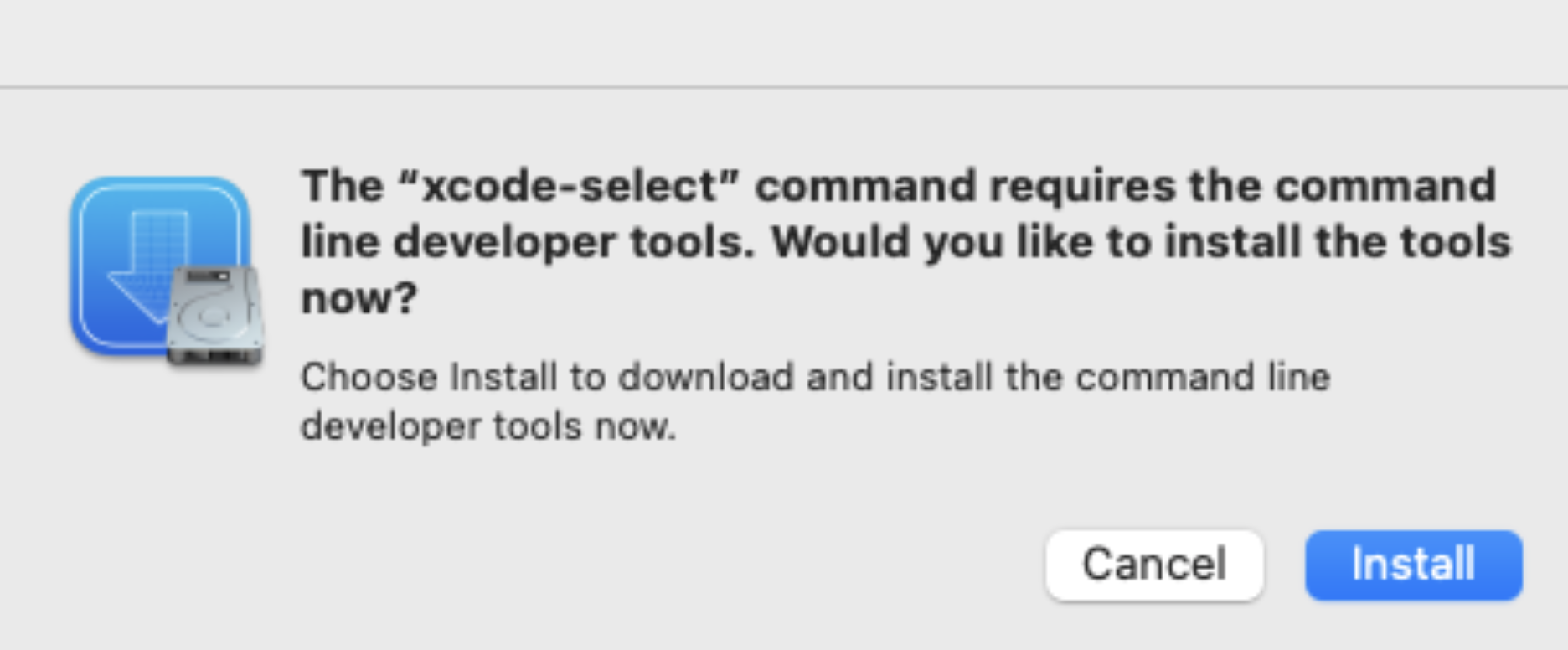
Step 1: Install Xcode command line tools
📝 sudo privilege required, installer will prompt for password
xcode-select --install
Figure 1: Installer Prompt
Step 2: Verify Xcode tools install location
xcode-select -p
Step 3: Change directory and list all files/directories
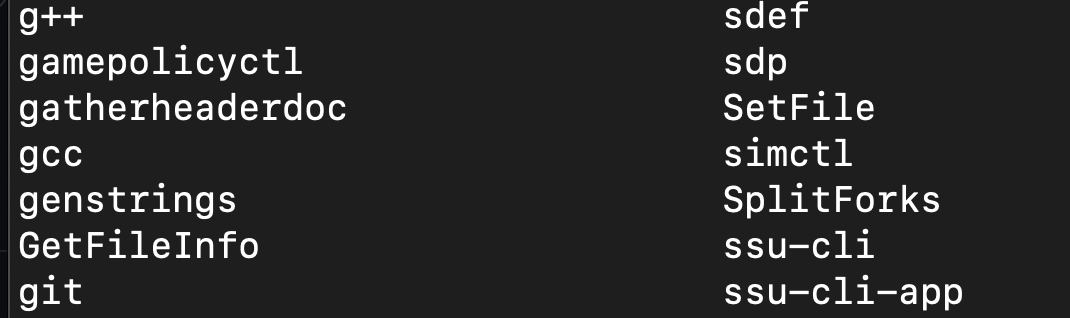
cd /Applications/Xcode.app/Contents/Developer/usr/bin && ls
Figure 2: Sample list of Xcode command line tools