GO
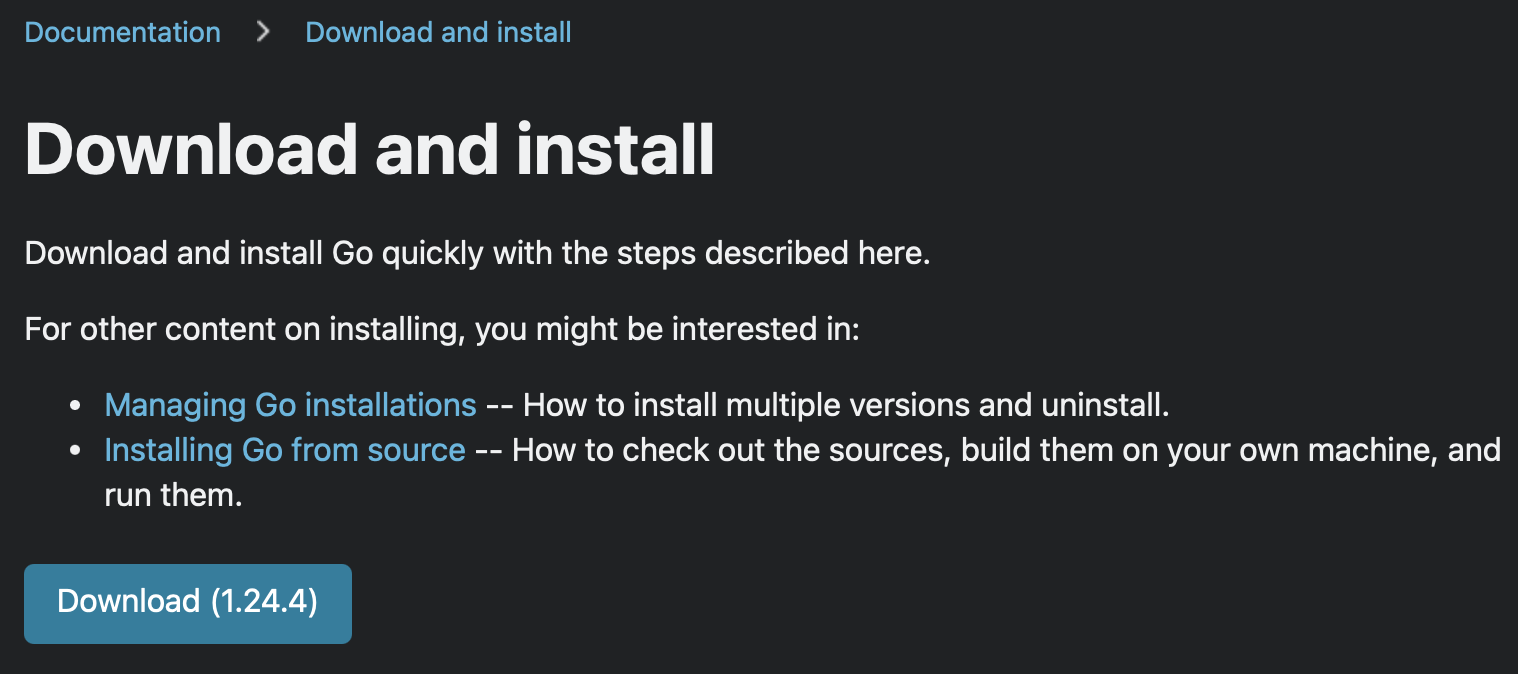
Figure 1: go Download and Install page
Step 1: Download and Run go package
Click the Download (x.x.x) button and open the package file from your $HOME/Downloads directory. Follow the prompts to complete installation. The go distribution will be installed in the /usr/local/go directory.
📝 The installer is supposed to add /usr/local/go/bin to $PATH automatically
Step 2: Confirm go version and $PATH usage
go version
Installed go modules will be placed in the go environment’s GOPATH. This path can be verified in the terminal.
⚠️ GOPATH is NOT added to the $PATH
Step 3: Verify environment GOPATH
go env GOPATH