Windows App - Remote Desktop Protocol
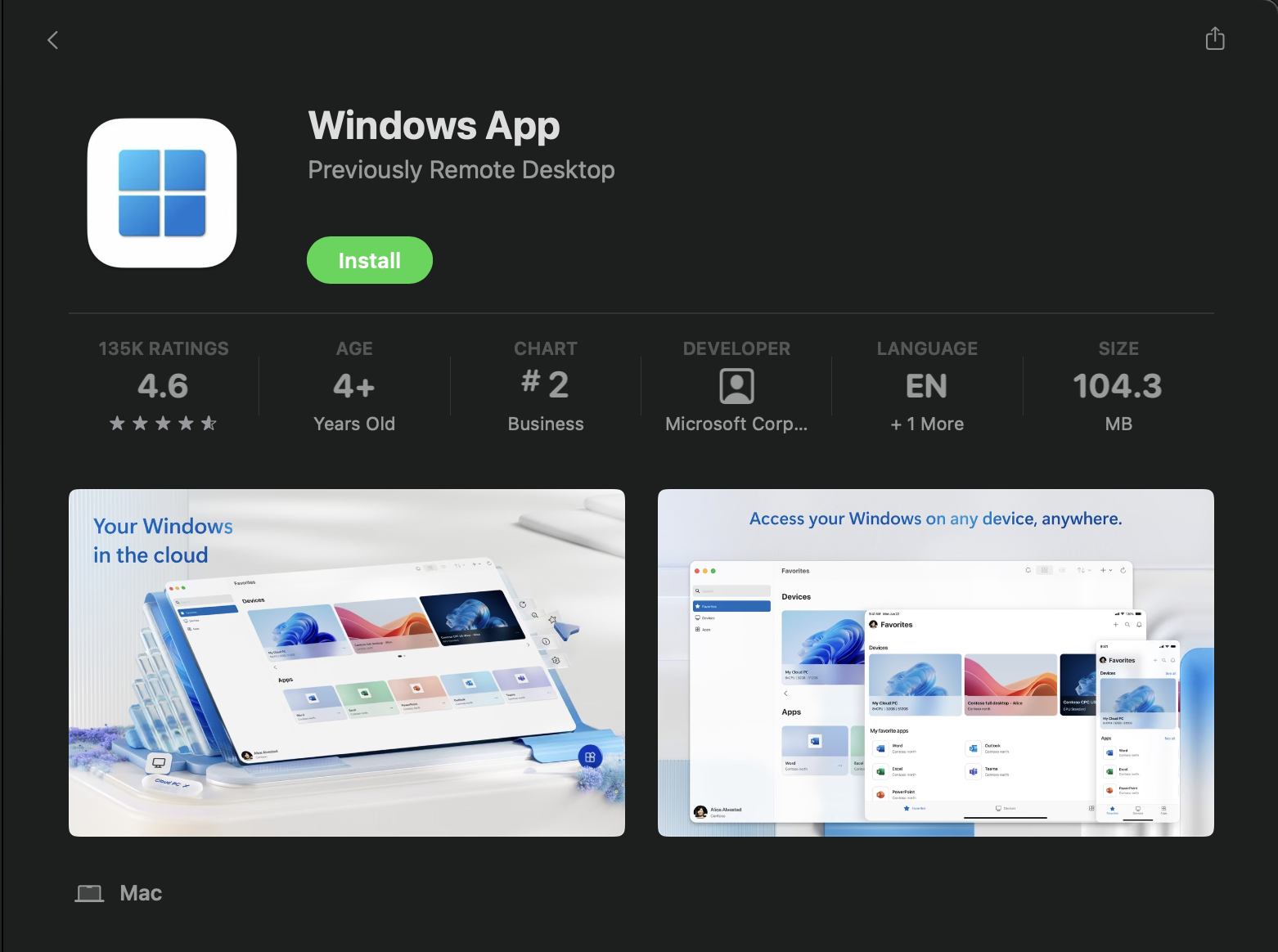
Step 1: Install Windows App from App Store
Figure 1: App Store - Windows App
⚠️ During installation you will be prompted for camera and microphone access. This is NOT NECESSARY. Continue with the installation and select “Don’t Allow” for the camera and microphone access requests.
📝 Access settings can be changed after installation.