MongoDB Shell
⚠️ Older mongodb service versions may be running in the wild. The legacy versions of mongosh should be installed along with the latest stable release.
Step 1: Download mongosh 1.x and mongosh 2.x
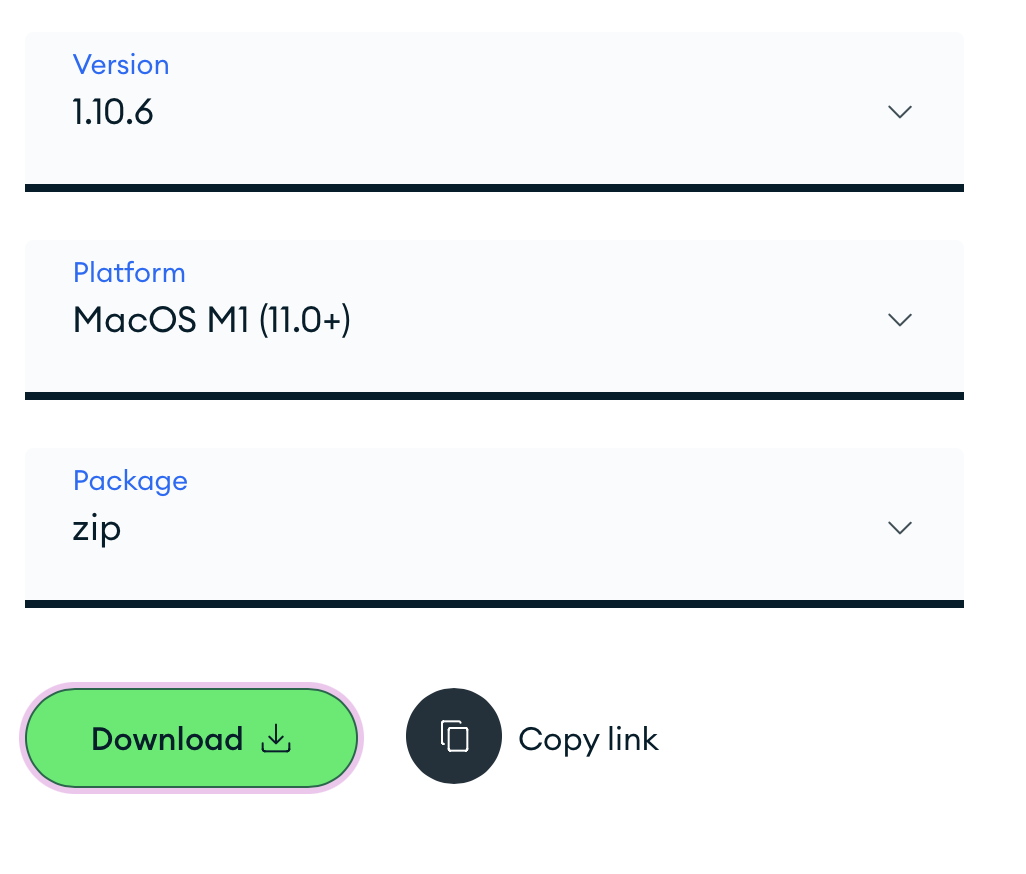
Select the appropriate platform (MacOS M1 11.0+). Downloads will be available in $HOME/Downloads. Move them to an appropriate working directory.
Figure 1: mongosh Version 2.5.2 for MacOS M Silicon
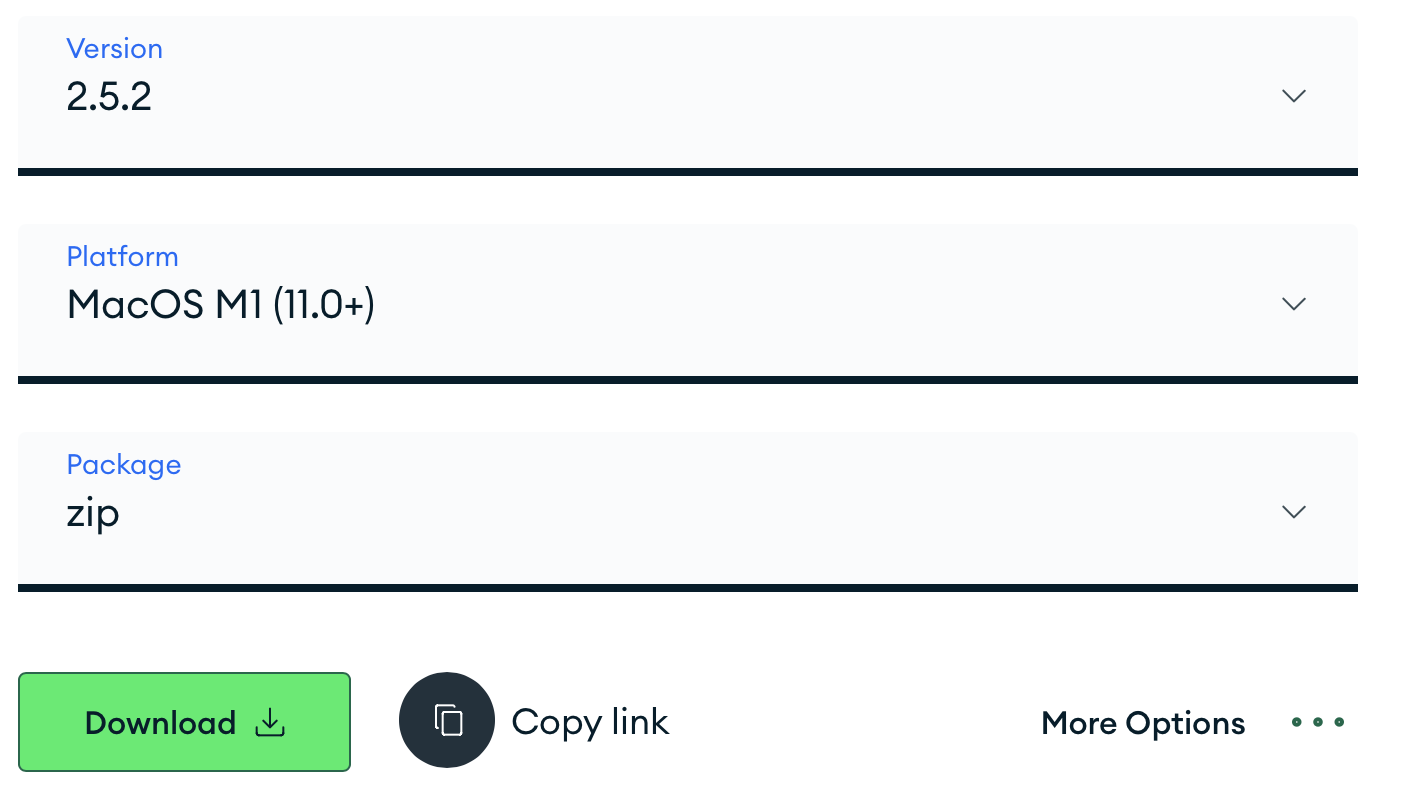
Figure 2: mongosh Version 1.10.6 for MacOS M Silicon
📝 $HOME/opt is used as the working directory example for the remaining build steps. Use the working directory from your setup.
Step 2: Create symlink for mongosh 2.x
sudo ln -s $HOME/opt/mongosh-2.5.2-darwin-arm64/bin/mongosh /usr/local/bin/mongosh
📝 sudo permissions required to create symlinks in /usr/local/bin.
Step 3: Verify mongosh version
mongosh --version
For clean usage, Version 2.x is the only mongosh binary linked on the $PATH.
If Version 1.x of mongosh is needed, it can be run by using the absolute path to it.
🧪 Example command for mongosh 1.x
$HOME/opt/mongosh-1.10.6-darwin-x64/bin/mongosh mongodb://$ip:27017
📝 You may use multiple symlinks with unique names to make mongosh 1.x available on the $PATH along with mongosh 2.x if desirable.